Deleting a company
Last update · 3 min read
Delete a company you no longer need. You cannot undo deletion in Backoffice, so read what deletion changes before you confirm.
Required role and confirmation
Only the company's Owner can delete it. Everyone else sees Danger zone in the company's panel marked no access.
You become the company's Owner when you create it. The Members, invitations and roles guide explains each role's permissions.
You also cannot delete the company if it is your primary company and you own other companies. Danger zone is then marked primary company, and opening it shows Your primary company can't be deleted. Set another of your companies as primary first. See Primary company.
- Select Companies in the rail.
- Select your company in the panel or in the My Companies list.
- Select Danger zone under Setup in the panel.
The Delete company card holds the deletion.
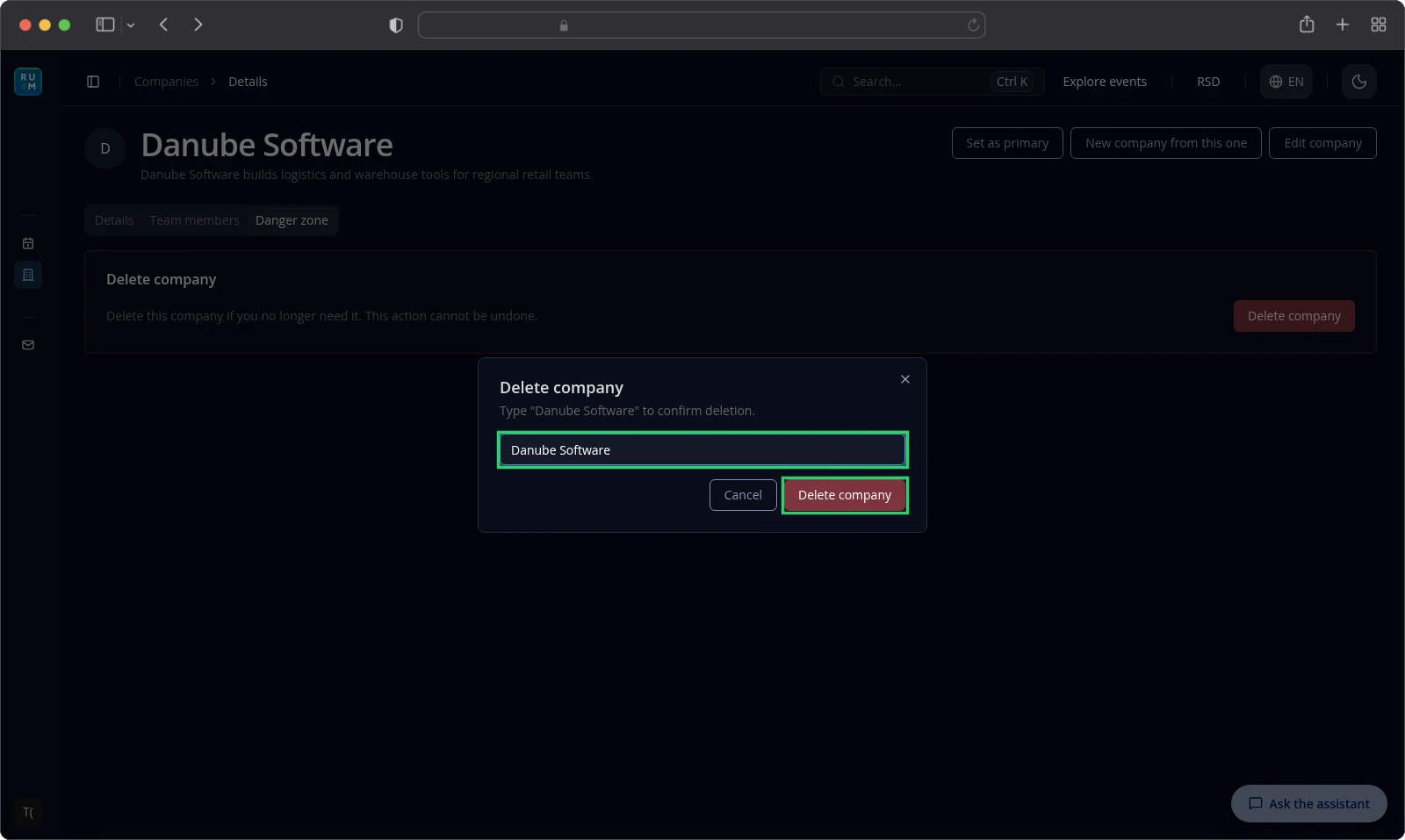
To prevent accidental deletion, the app asks you to type the company's name.
- Select Delete company on the card.
- Type the company's name into the confirmation field.
- Select Delete company in the dialog.
Select Cancel instead if you do not want to delete the company.
The Delete company button in the dialog stays greyed out until the typed name matches exactly. Use the same capital letters, lowercase letters and spaces as the company name.
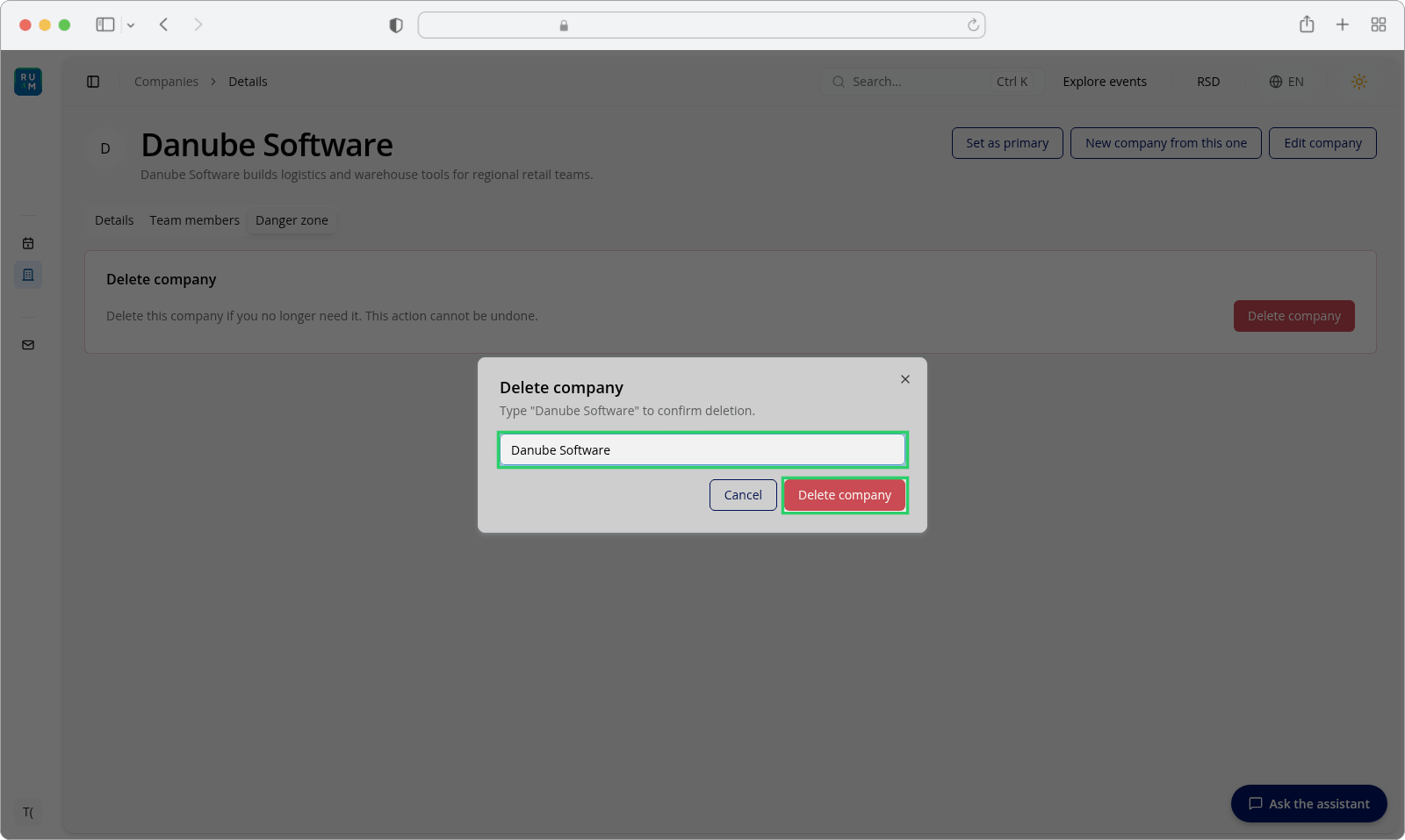
The app shows Company deleted successfully. You return to the My Companies list. The company is no longer there.
What deletion means
Deletion removes the company from your account. You no longer see the company in the My Companies list. You also lose access to its page.
Companies stays in the rail, and the company disappears from Owned by you in the panel.
When you manage no companies, the list shows No managed companies yet.
The app marks the company as deleted. You cannot restore it in Backoffice, and its page has no restore button.
Deletion also affects invitations, requests to join and linked communities:
- Invitations: the app cancels unaccepted invitations, regardless of who sent them. Their recipients cannot join through those invitations.
- Requests to join: the app cancels unanswered requests.
- Communities linked to the company lose that link, regardless of who created them.
The app does not delete the company's events. They keep the details they already had.
Troubleshooting
Danger zone is marked "no access". Only the Owner can delete the company. Ask the Owner to delete it.
Danger zone is marked "primary company". The company is your primary company, and you own other companies.
- Open another company you own.
- Select Set as primary.
- Return to the company you want to delete.
The app reports "Company name confirmation does not match". The typed name differs from the company's name.
Clear the field. Type the name exactly as it appears on the company page.
The Delete company button stays greyed out. The field is empty, or the name does not match yet. Finish typing the name before you select the button.
The app reports "Failed to delete company." The deletion did not go through. Leave the company as it is and try again.
You deleted the wrong company. You cannot restore the company. Create the company again and enter its details once more.
Related tasks
- Members, invitations and roles — invite colleagues and give each one the right role.
- Creating and editing a company profile — create a company and change its details.
- Connecting a company to an event — use the company as the organizer of an event.
- Roles and permissions — what each role may do.