Login
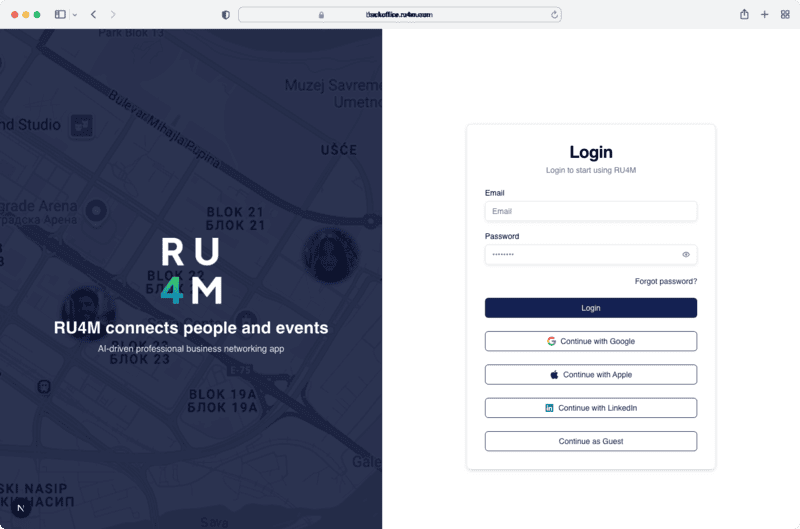
Sign in to the RU4M Backoffice to manage your events, participants, and email campaigns.
Login Methods
RU4M Backoffice supports multiple authentication options:
- Email & Password -- Enter your registered email and password
- Google -- Sign in with your Google account
- Apple -- Sign in with your Apple ID
- LinkedIn -- Sign in with your LinkedIn profile
- Guest Mode -- Browse public events without an account
1. Sign in with Email
Enter your email address and password, then click Sign In. If your credentials are correct, you will be redirected to the dashboard.
2. Sign in with Social Providers
Click the Google, Apple, or LinkedIn button to authenticate through the respective provider. You will be redirected to complete authorization and then returned to the backoffice.
3. Guest Mode
Click Continue as Guest to browse public events without creating an account. Guest users cannot manage events or access the dashboard.
Forgot Password
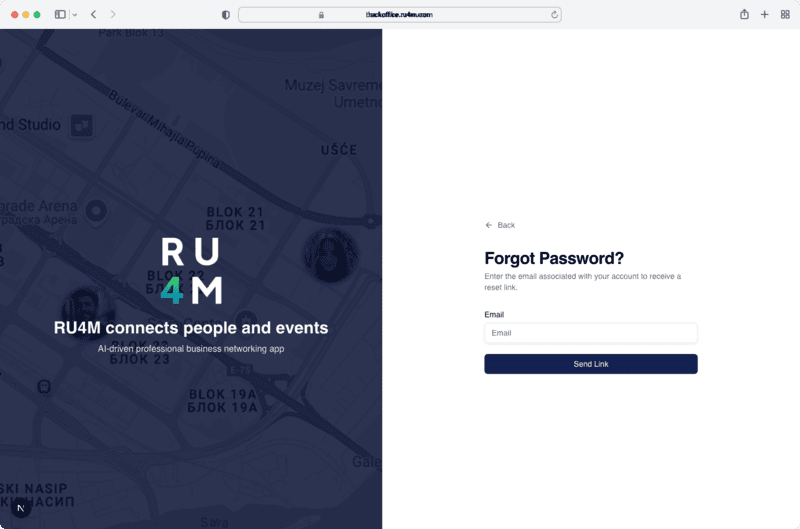
If you forgot your password, click the Forgot password? link on the login page. Enter your email address and a password reset link will be sent to your inbox.
Check your spam folder
If you don't receive the reset email within a few minutes, check your spam or junk folder.
Next Steps
- Create an account if you don't have one yet
- Browse events after signing in