Dashboard Overview
The dashboard is your central hub for managing events, viewing analytics, and accessing all organizer tools.
Prerequisites
- A registered account with at least one event created or assigned
Accessing the Dashboard
Click Dashboard in the main navigation or go directly to your dashboard after logging in. The sidebar provides access to all management sections.
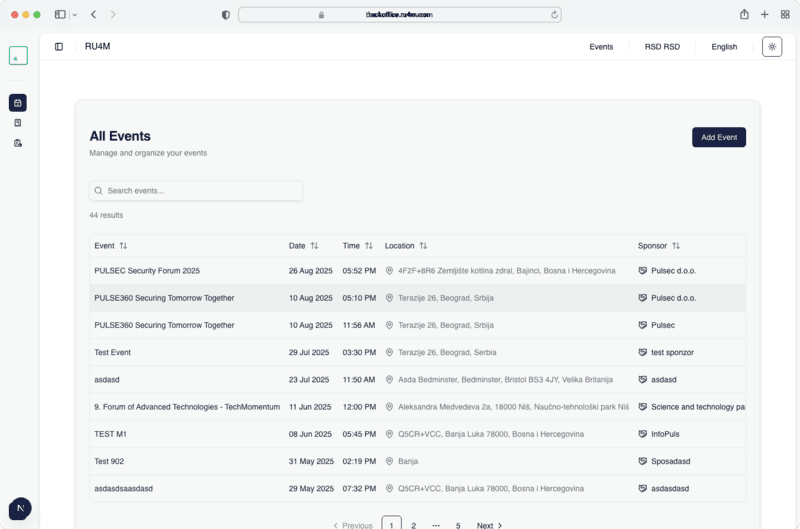
Sidebar Navigation
The dashboard sidebar contains the following sections:
| Section | Description |
|---|---|
| My Events | List of events you organize or moderate |
| Participants | View and manage event attendees |
| Analytics | Event performance charts and stats |
| QR Codes | Generate and download event QR codes |
| Team | Manage team members and roles |
| Transactions | View payment history |
| Mailing List | Email campaign management |
My Events
The default dashboard view shows all events associated with your account. Each event card displays:
- Event name and date
- Status (Draft, Published, Completed)
- Number of participants
- Quick actions (Edit, View, Delete)
Switch between events
Click on any event to view its specific dashboard with participants, analytics, and settings.
Next Steps
- View participants for your event
- Check analytics to track performance
- Manage your team