QR Codes
Generate QR codes for event check-in and exhibition stands. Attendees scan QR codes to register their presence or visit sponsor stands.
Prerequisites
- A published event
Accessing QR Codes
From your event dashboard, click QR Codes in the sidebar navigation.
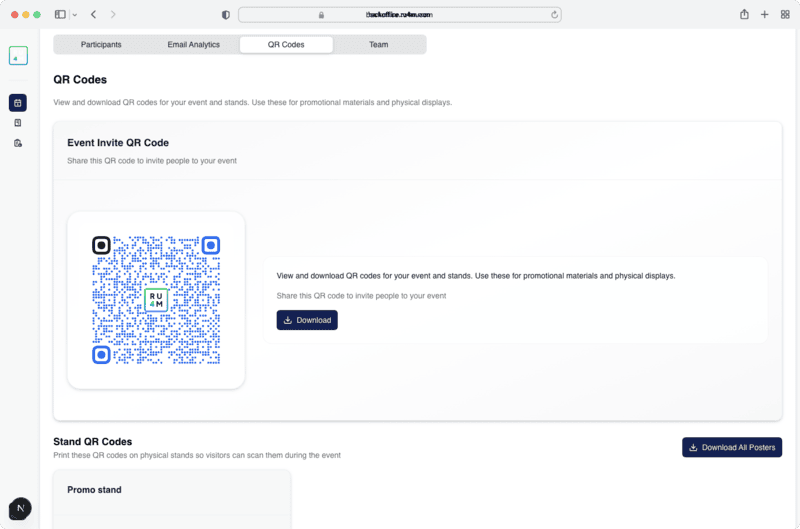
Event QR Code
The main event QR code links directly to your event's detail page. Use it for:
- Printed materials -- Flyers, posters, and banners
- Digital sharing -- Social media posts and email signatures
- On-site check-in -- Display at the event entrance for quick registration
Download Options
Download the QR code in multiple formats:
- PNG -- For digital use and web sharing
- SVG -- For high-quality print materials
Stand QR Codes
If your event has exhibition stands, each stand gets its own QR code. Attendees scan stand QR codes to:
- Log their visit to a specific stand
- Receive stand-specific promotional content
- Enter stand giveaways
Print at high resolution
Download the SVG format for printing to ensure the QR code remains scannable at any size.
Test before the event
Always test your QR codes with multiple devices before the event to ensure they scan correctly.
Next Steps
- Manage team members for on-site support
- View analytics to track QR code scans