Transactions
View and track all payment transactions for your events.
Accessing Transactions
1. Open Dashboard Sidebar
Click Transactions in the left sidebar to view all payment records.
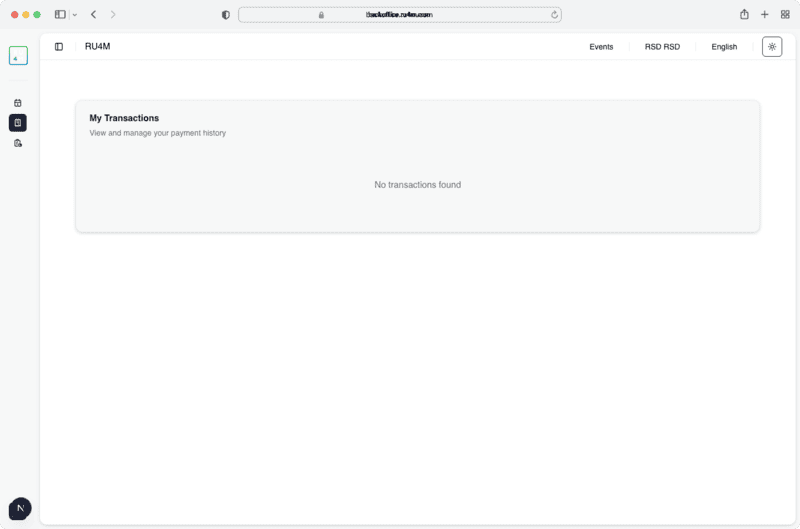
Transaction Details
The transactions table shows:
- Date — when the payment was made
- Amount — payment amount and currency
- Event — which event the transaction is linked to
- Status — payment status (completed, pending, refunded)
No transactions?
If you haven't set up paid tickets for any events, this page will show "No transactions found."
Pagination
Use the Previous and Next buttons at the bottom of the table to navigate through large transaction lists.