Compose Email Campaign
Create and send email campaigns to your event participants with AI-assisted content generation.
Prerequisites
- You must be logged in as an event moderator
- Navigate to your event from the Dashboard
Accessing the Email Composer
1. Open Mailing List
From the event management page, click the Mailing List option to open the email campaign composer.
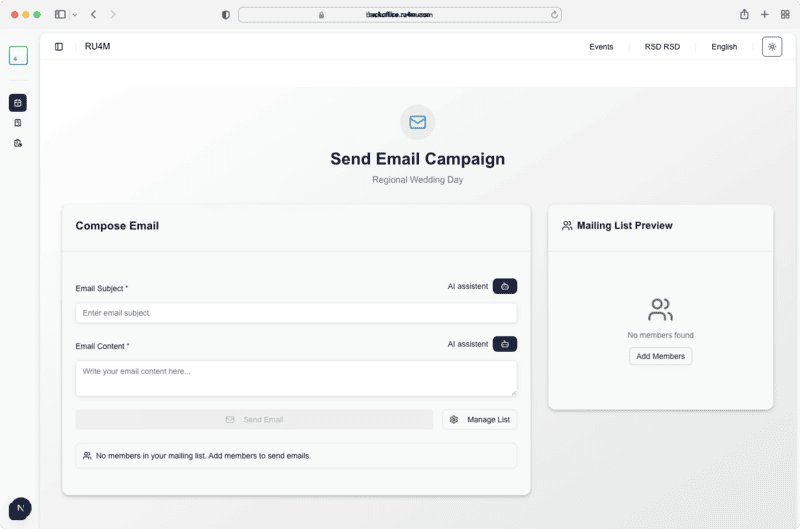
Composing an Email
2. Enter Subject Line
Type your email subject in the Email Subject field. You can also click AI Assistant to auto-generate a subject line based on your event details.
3. Write Content
Enter your email body in the Email Content textarea. Use the AI Assistant button next to the content area to generate professional email content.
AI-Powered Content
The AI assistant uses your event details (name, date, location, description) to generate relevant email content. You can edit the generated text before sending.
4. Preview and Send
Review the mailing list members in the Mailing List Preview panel on the right. When ready, click Send Email to dispatch your campaign.
Mailing List Required
The Send Email button is disabled until you have at least one member in your mailing list. Use Manage List to add members first.