Manage Mailing List Members
Add, remove, and import members to your event's mailing list.
Accessing Member Management
From the email campaign page, click Manage List to open the member management interface.
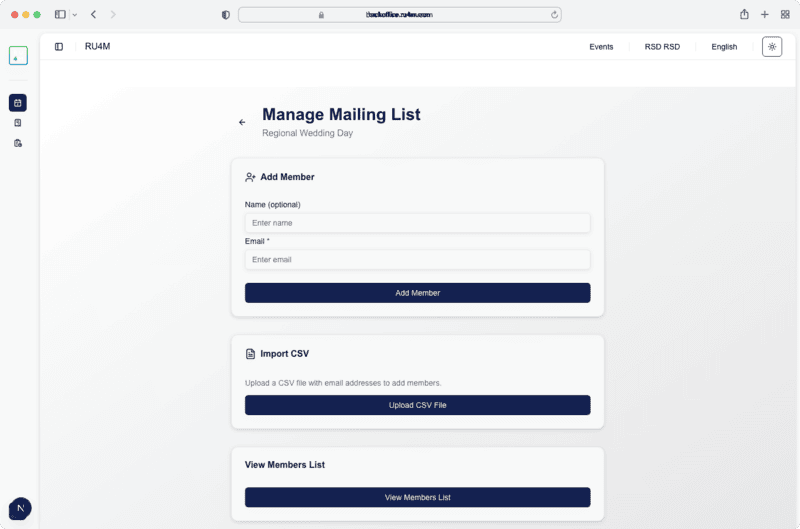
Adding Members
Add Individual Members
- Enter the member's Name and Email in the form fields
- Click Add Member to add them to the list
Import from CSV
- Click Import CSV to bulk-import members
- Upload a CSV file with
nameandemailcolumns - Members are added automatically
Viewing Members
Click View Members List to see all current mailing list members. You can remove individual members from this view.
Event Participants
You can also add event participants directly to the mailing list from the Participants tab in the Dashboard.