AI Event Descriptions
While creating an event, you can use the AI assistant to generate professional descriptions at multiple steps of the wizard. This saves time and helps you produce polished content quickly.
The AI assistant icon looks like a small sparkle/star icon () and appears next to text input fields that support AI generation. Click on it, and the AI will generate a suggestion based on the context you've already provided. You can then edit the generated text however you like.
Language
The AI assistant generates content in the language you are currently using in the backoffice. Switch the interface language before generating if you need content in a different language.
Where can you use AI generation?
Event Description
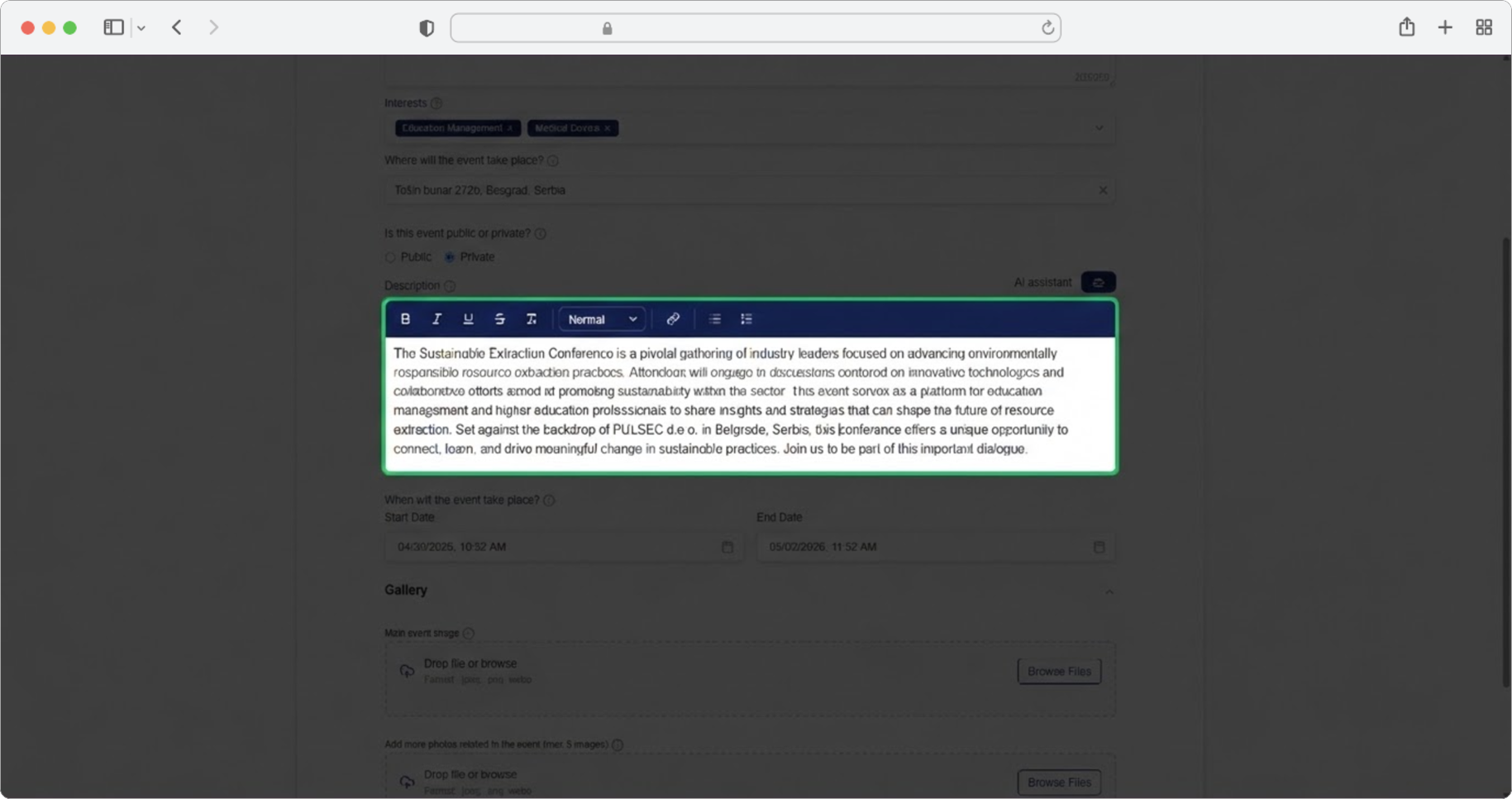
In Step 2 (Event Details), you can generate the full event description. Click the AI icon next to the Description field.
The AI uses the following data you've already entered:
- Event name — the title of your event
- Brief Summary — if you've already written one
- Interests — the topics/categories you selected
- Location — where the event takes place
Tip
Fill in the event name, interests, and location first. The more of these fields you complete, the better and more relevant the generated description will be.
Brief Summary
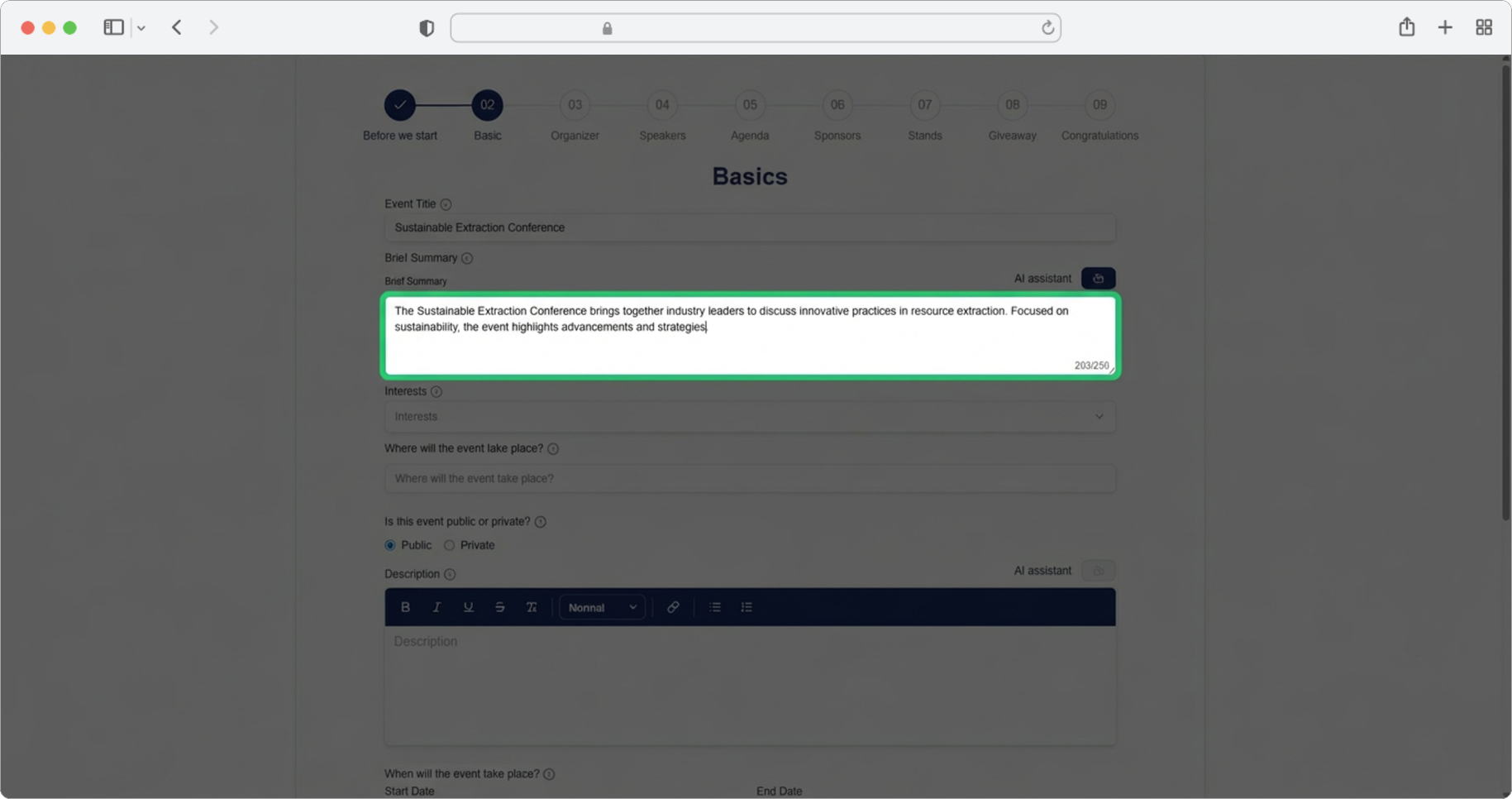
Also in Step 2, you can generate the Brief Summary — a short overview of your event (max 250 characters).
The AI uses:
- Event name
- Interests — if selected
- Location — if entered
- Description — if you've already written the full description
Organizer Bio
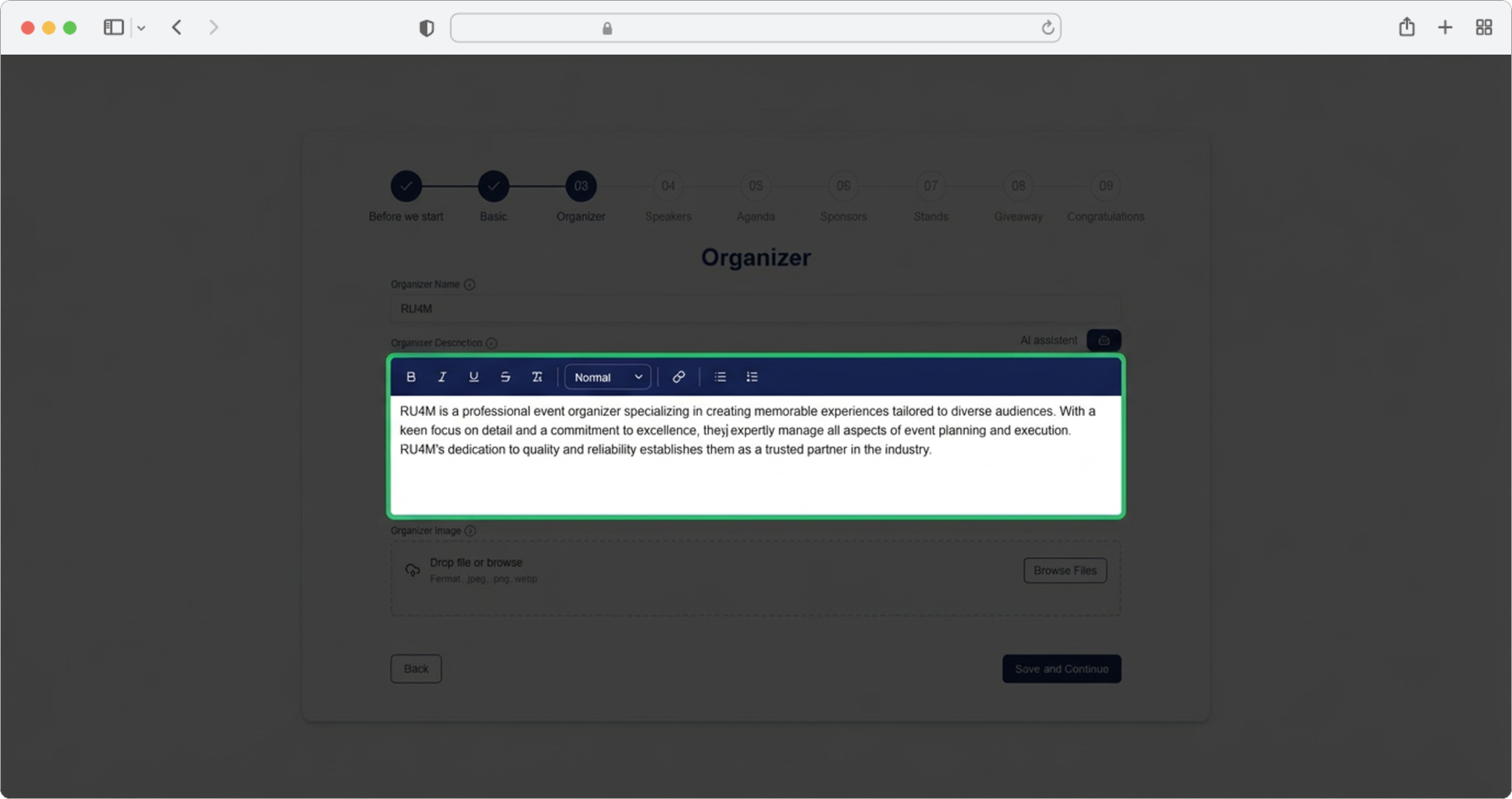
In Step 3 (Organizer Info), click the AI icon next to the Description field to generate a professional bio for the event organizer.
The AI uses:
- Organizer name — the name you entered for the organizer
Make sure to enter the organizer's name before clicking the AI icon.
Session Description
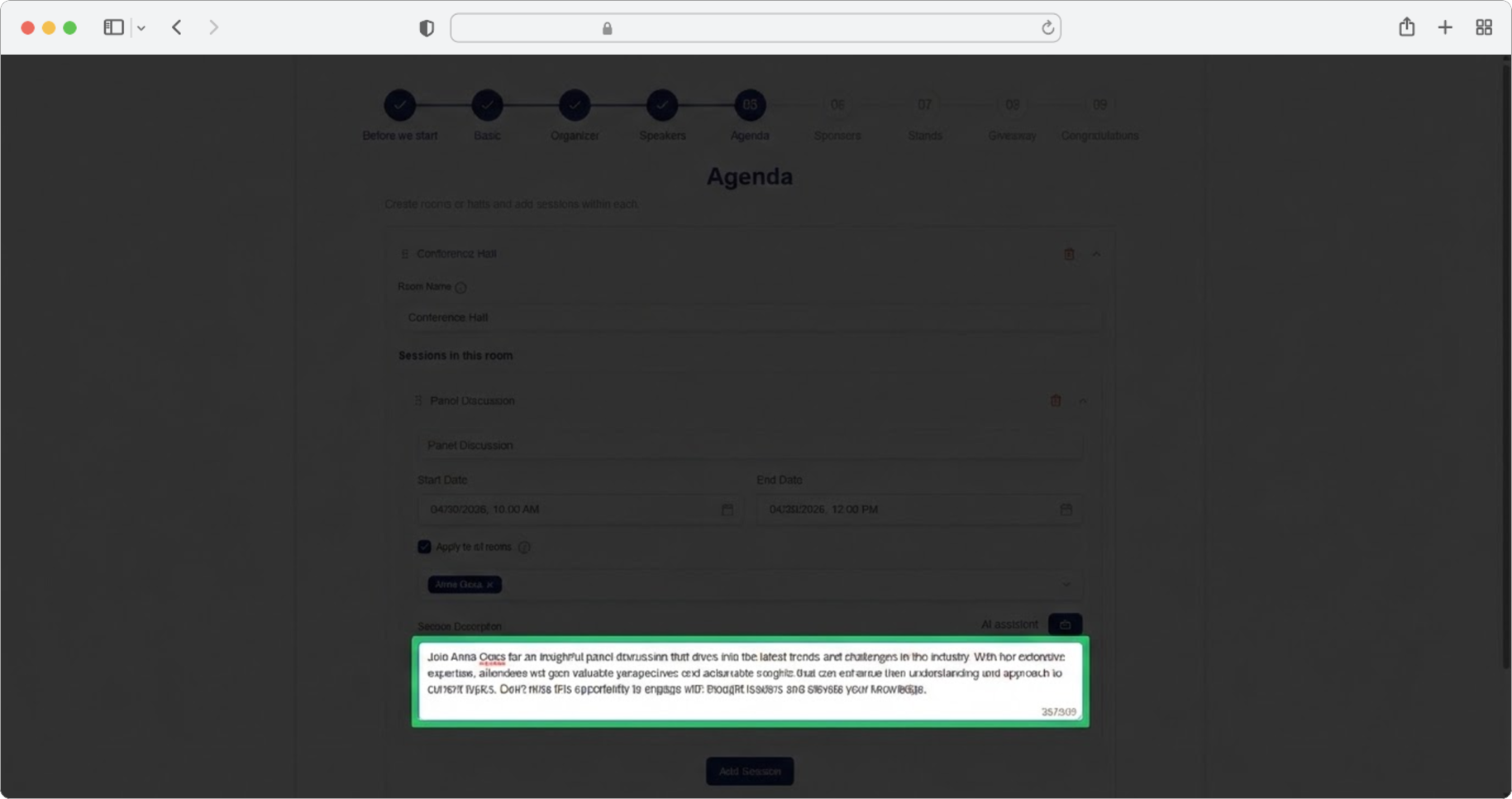
In Step 5 (Agenda), each session has a Session Description field with an AI icon.
The AI uses:
- Session title — the name of the session
- Room name — which room the session is in
- Assigned speakers — names of speakers you've assigned to this session
Tip
Assign speakers to the session before generating the description. The AI will mention the speakers and their expertise in the generated text.
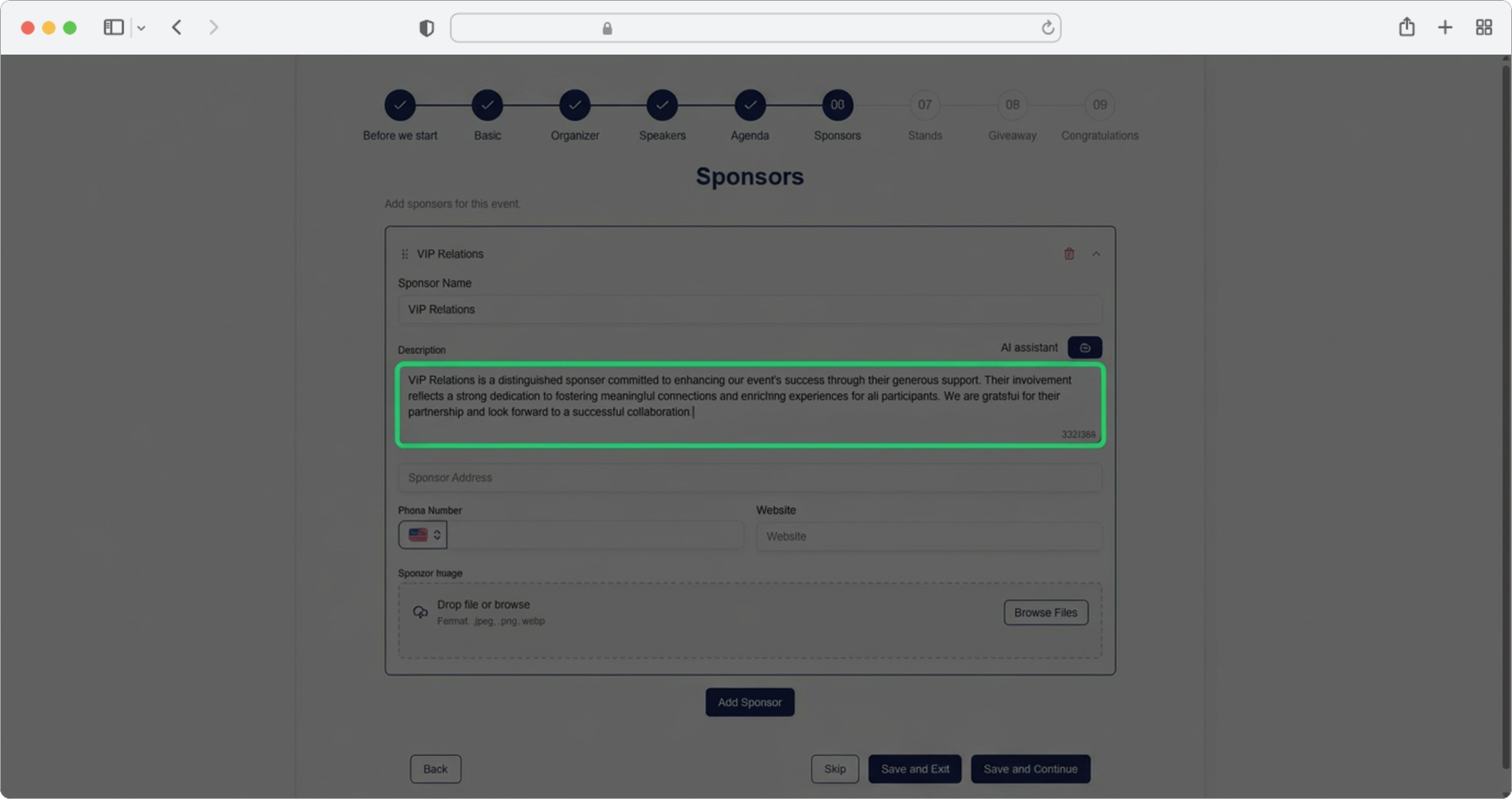
Sponsor Description
In Step 6 (Sponsors), click the AI icon next to the Sponsor Description field.
The AI uses:
- Sponsor name — the name you entered for the sponsor
Stand Description
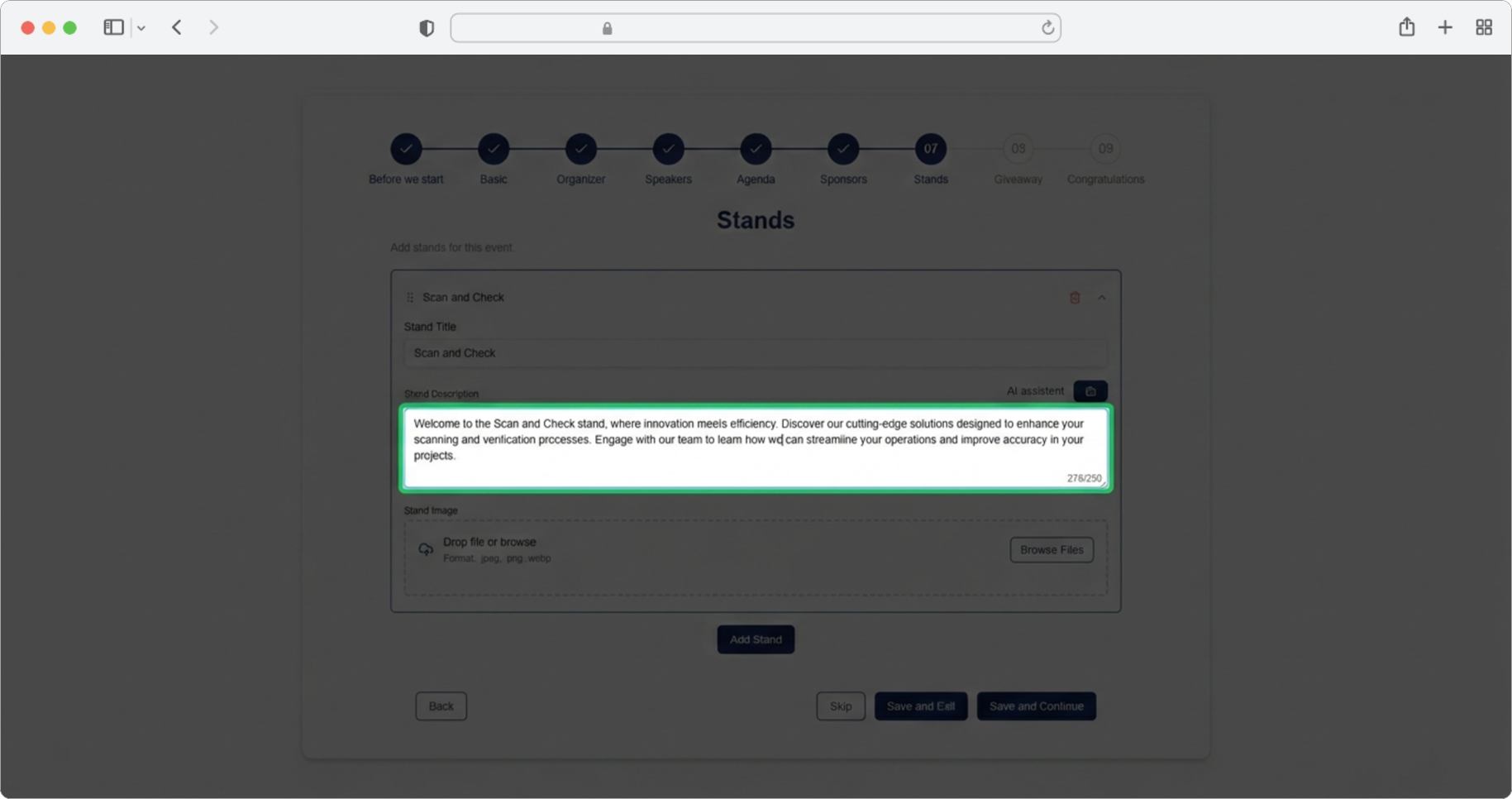
In Step 7 (Stands), click the AI icon next to the Stand Description field.
The AI uses:
- Stand name — the title you entered for the stand
Giveaway Content
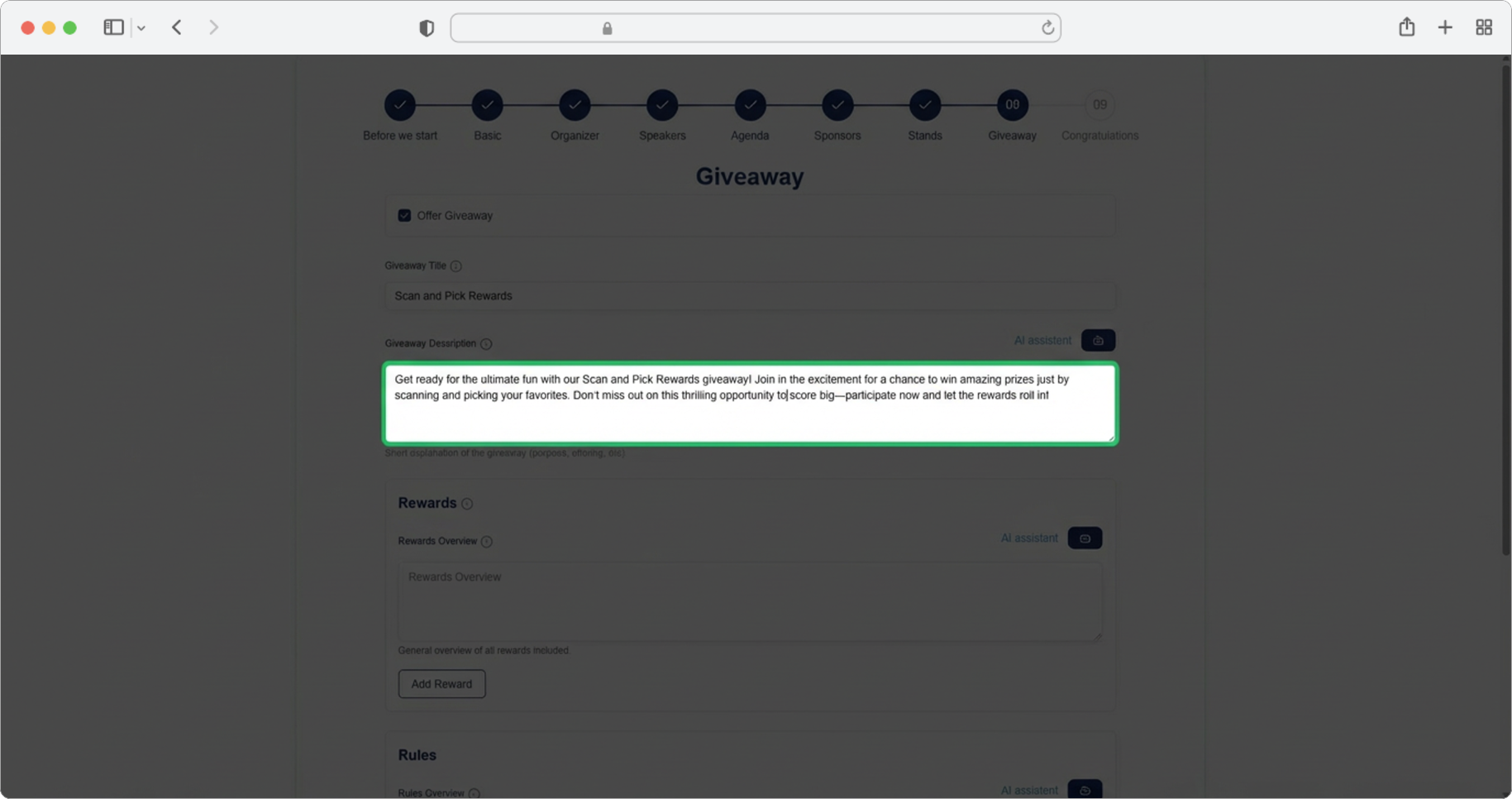
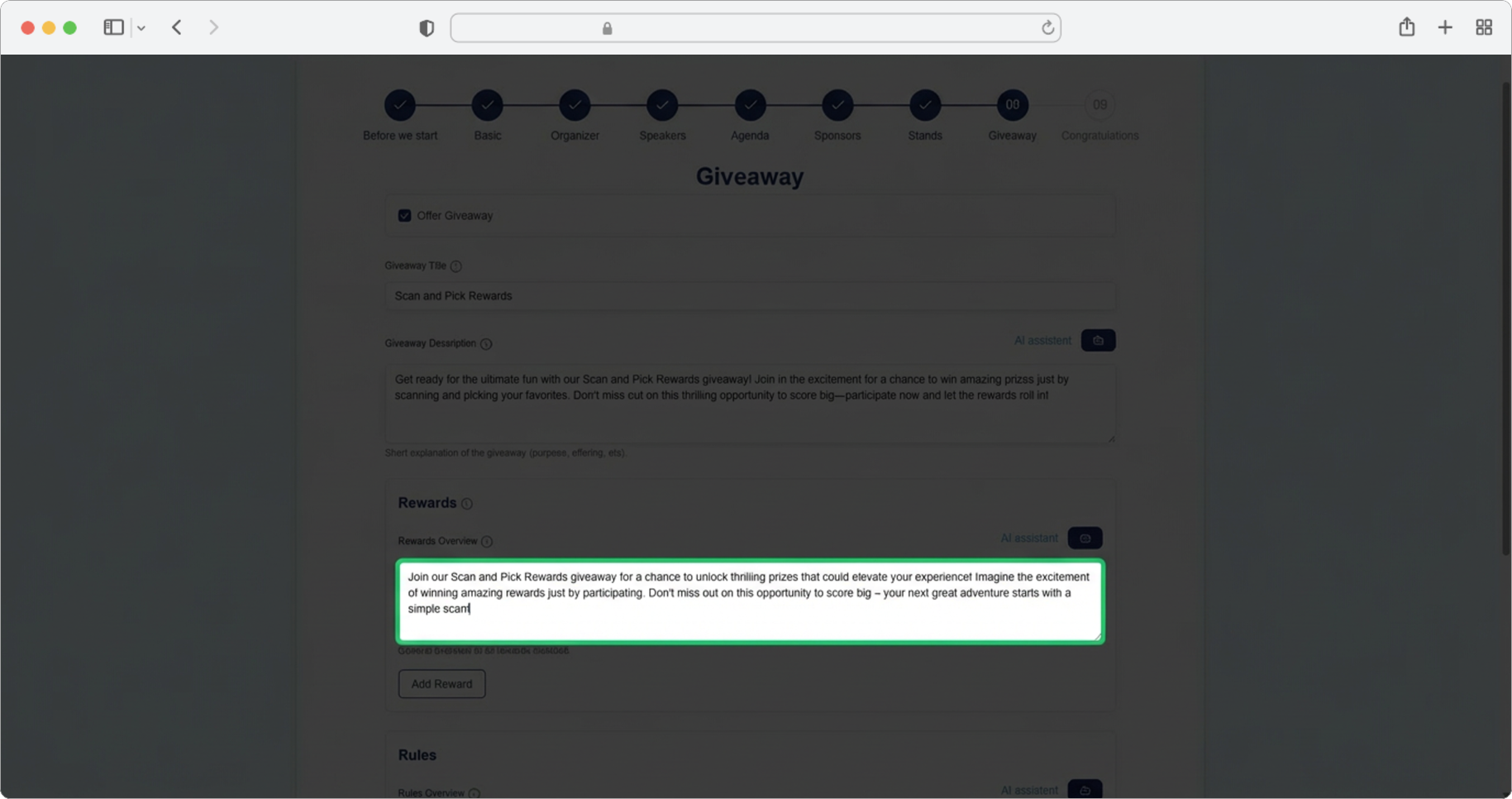
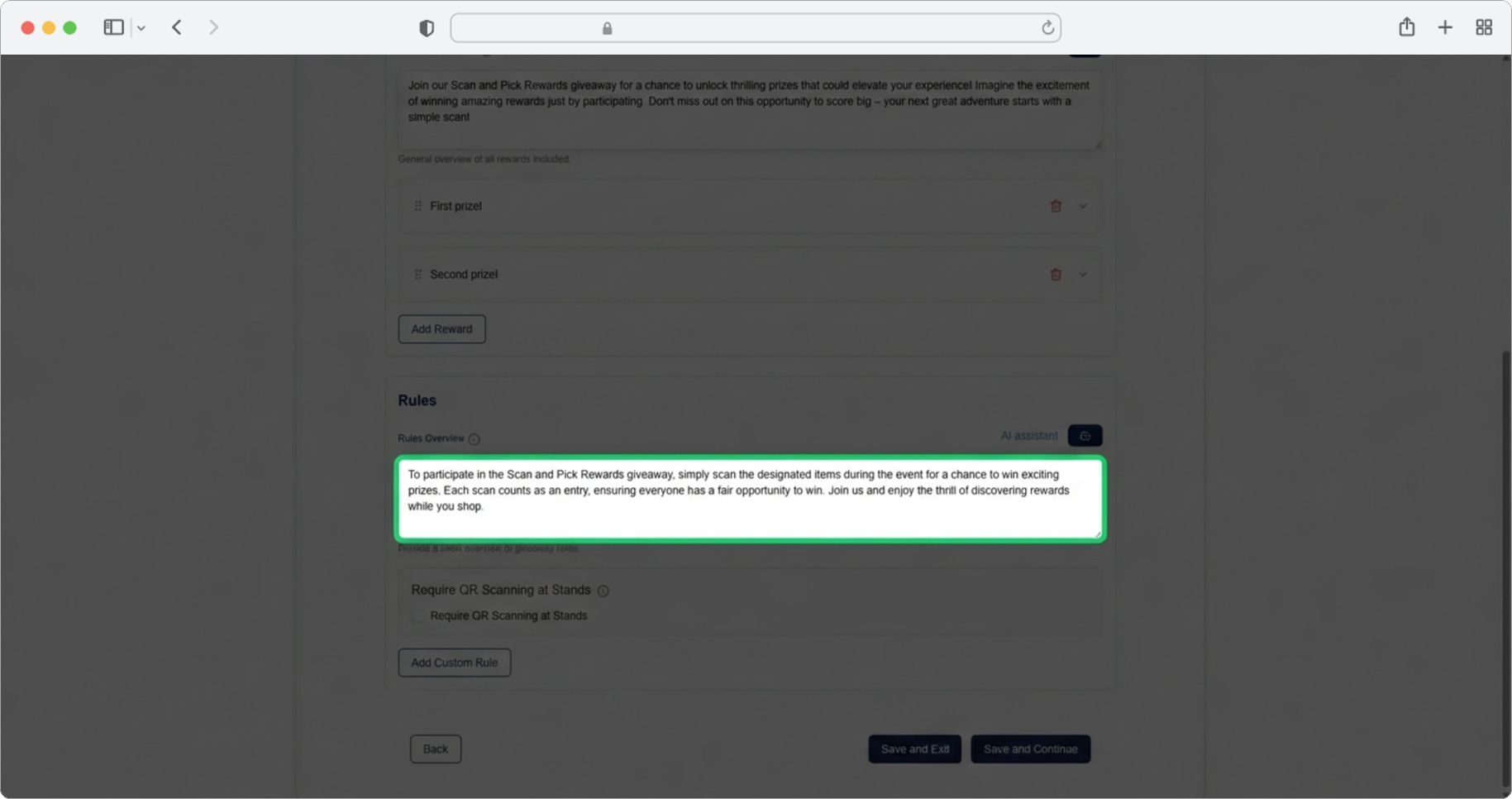
In Step 8 (Giveaway), AI generation is available for multiple fields:
Giveaway Description — overall description of the giveaway. The AI uses the Giveaway title.
Rewards Overview — summary of what participants can win. The AI uses the Giveaway title.
Rules Overview — summary of participation rules. The AI uses the Giveaway title.
Note
For all giveaway fields, make sure to enter the giveaway title first — that's the main context the AI uses to generate relevant content.
How to use
- Fill in the related fields first — the AI uses data you've already entered (event name, organizer name, session title, etc.) to generate relevant content. The table below shows exactly what each field needs.
- Click the AI icon () next to the text field
- Wait a moment — the generated text will appear in the field
- Review and edit — the generated text is a starting point. Adjust it to match your tone, add specific details, or remove anything that doesn't fit
- Generate again if needed — you can click the AI icon again to get a new suggestion
Summary of data used per field
| Field | Data the AI uses |
|---|---|
| Event Description | Event name, Brief Summary, Interests, Location |
| Brief Summary | Event name, Interests, Location, Description |
| Organizer Bio | Organizer name |
| Session Description | Session title, Room name, Speakers |
| Sponsor Description | Sponsor name |
| Stand Description | Stand name |
| Giveaway Description | Giveaway title |
| Rewards Overview | Giveaway title |
| Rules Overview | Giveaway title |