Event Email Analytics
This page covers the Email Analytics tab of the Event Details page. The Email Analytics tab shows you how your email campaigns for this event are performing, including send counts, open rates, and click-through data.
You must be signed in
You need to be signed in to the RU4M Backoffice to access the Event Details page. If you have not signed in yet, please follow the instructions in the Sign In guide first.
Email Analytics
The Email Analytics tab shows you how your email campaigns for this event are performing. This includes information about how many emails were sent, how many were opened, how many people clicked on links inside the emails, and more.
Click the Email Analytics tab
In the row of tabs below the Event Card, click on the tab labeled "Email Analytics".
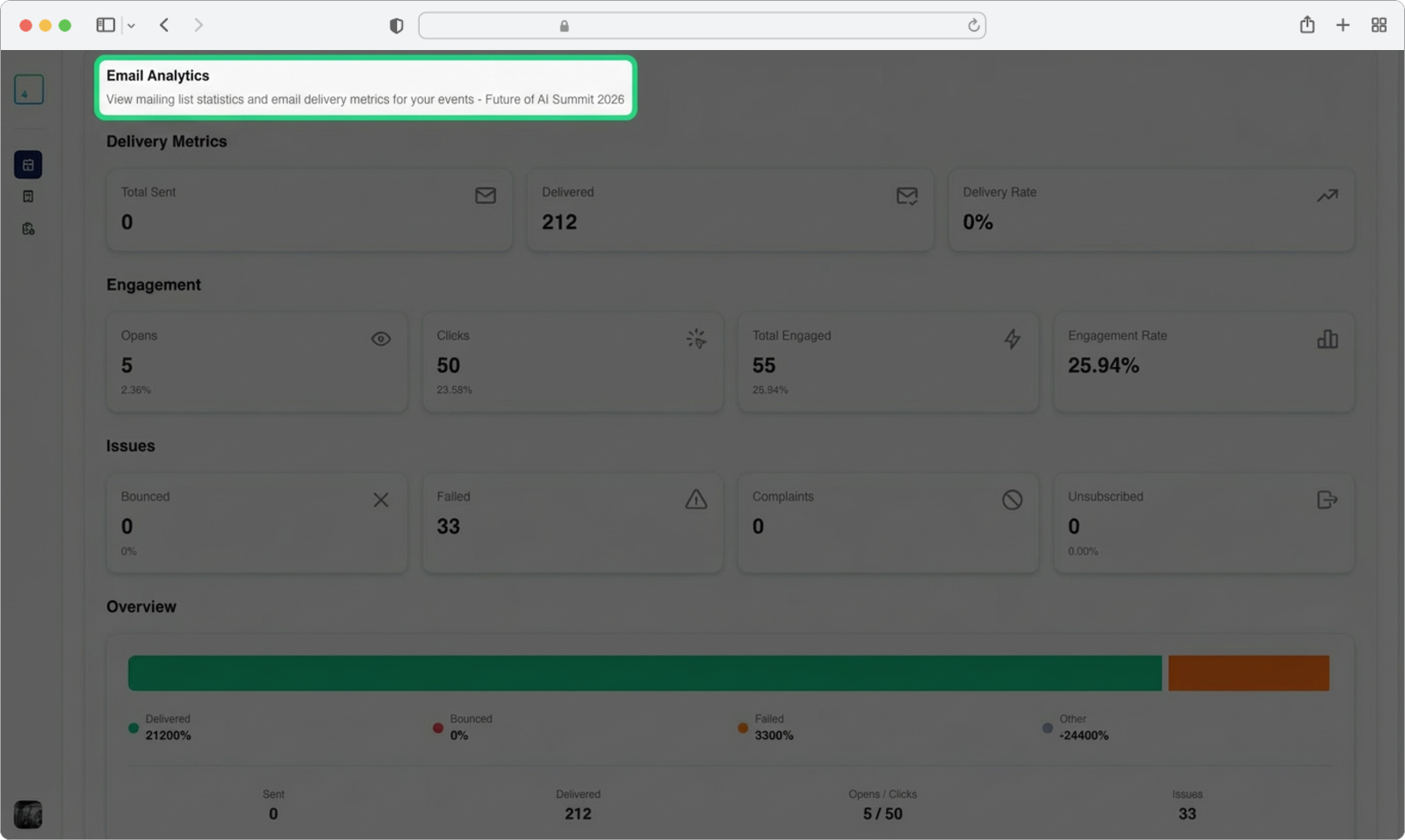
Detailed email documentation
The Email Analytics feature is covered in full detail in the Email Campaign section of this documentation. The tab here gives you a quick overview specific to this event, but for step-by-step instructions on creating, sending, and analyzing email campaigns, please refer to the dedicated Email Campaign guide.